Scalable WordPress Hosting: How to Handle Traffic Spikes Without Your Site Crashing
A flash sale, a newsletter feature or a post that takes off on social media. That's the moment your site most needs to stay up, and the moment it's most likely to fall over on crowded shared hosting. In most cases the cause isn't a hack or a plugin conflict. The server simply ran out of room.
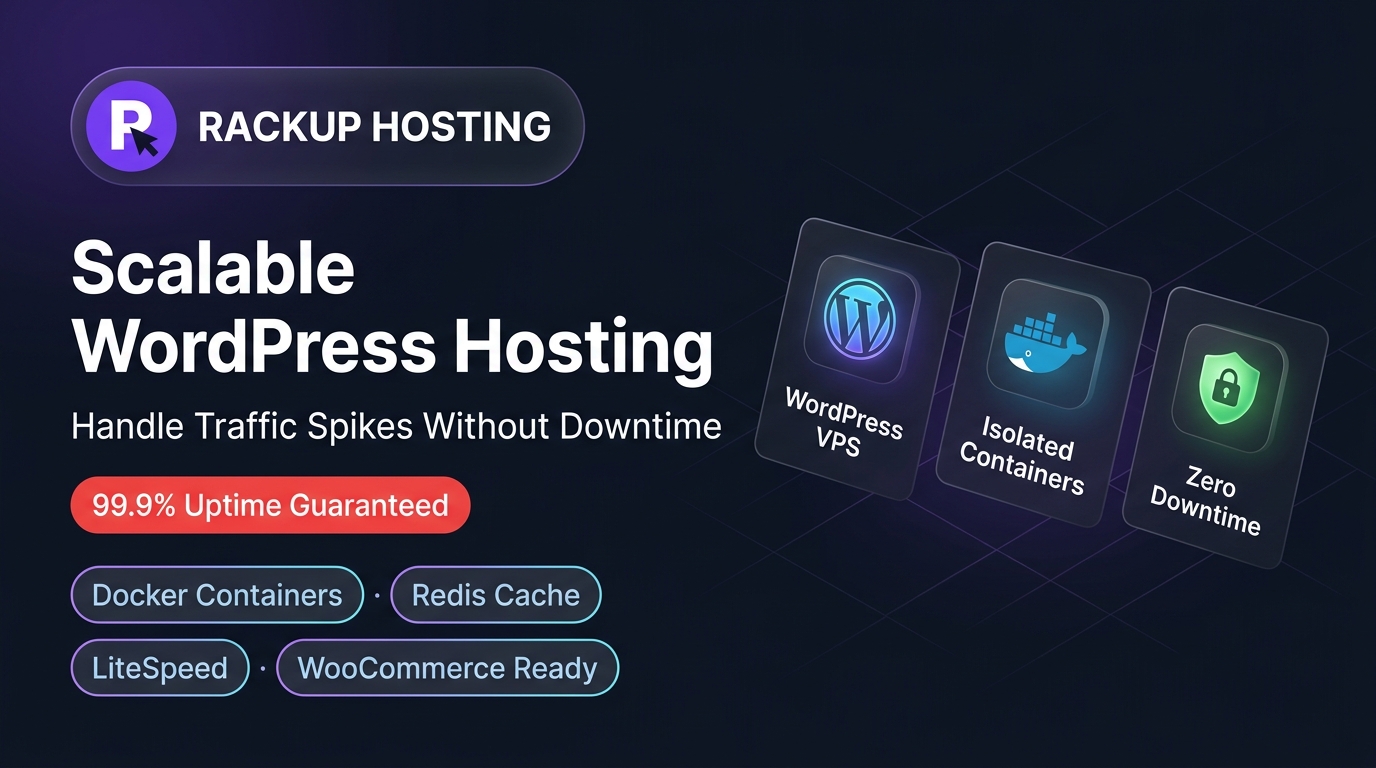
This guide explains what "scalable WordPress hosting" actually means, why sites break under load, and what to look for before your next traffic spike.
What "scalable" actually means (and what it doesn't)
Scalable hosting means:
- Your site has its own slice of CPU and RAM that doesn't shrink when another customer's site gets busy.
- When your traffic grows, you can move to a bigger plan instead of rebuilding your site somewhere else.
- Under a spike, your site slows down gracefully instead of returning errors.
It doesn't mean:
- Unlimited, free capacity. More sustained traffic needs more compute.
- A fix for a badly configured site. Forty active plugins and no caching will be slow on any host.
Why high-traffic WordPress sites break on shared hosting
Shared hosting splits one server between many accounts. On a quiet day there's enough to go around. During a launch or sale, there isn't:
- CPU throttling: PHP requests queue up, so a page that loaded in under a second takes several.
- Memory limits: WordPress with WooCommerce and a page builder can need a lot of memory per request. Tight per-account limits cause fatal errors.
- Database connection limits: shared MySQL servers cap simultaneous connections. Under load, requests fail with "Error establishing a database connection".
- No room to grow: you can't borrow more resources during a spike. The ceiling is the ceiling.
Often the damage isn't a dramatic crash. It's a slow checkout that quietly loses customers.
What a scalable WordPress setup looks like
Isolated resources
Each site runs in its own isolated container with dedicated RAM and CPU. A busy neighbour can't take your memory or processing time.
Fast storage
NVMe storage keeps database reads and writes quick, which matters most on dynamic pages like cart, checkout and account pages.
Caching done properly
Page caching serves most visitors from memory instead of running PHP and database queries on every request. Cart and checkout pages can't be fully cached, so they depend on raw server capacity. See our guide to speeding up WordPress for server-level caching options.
A clear upgrade path
When you outgrow your plan, you should be able to move up without rebuilding the site. Ask your host how upgrades work before you need one.
WooCommerce: where shared hosting breaks first
- Cart and checkout can't be fully cached. They depend on the visitor's cart and session, so every request hits PHP and the database.
- Product filtering gets expensive. Large catalogues with attribute filters generate heavy database queries under concurrent traffic.
- Payment callbacks can time out. A slow server during payment can leave orders unconfirmed.
A caching plugin helps, but it can't create CPU and memory that aren't there. For the server side of WooCommerce performance, read our WooCommerce speed optimization guide.
Shared hosting vs. a scalable WordPress VPS
| Dimension | Typical shared hosting | RackUp Managed WordPress VPS |
|---|
| CPU | Shared pool, throttled under load | 2 vCPU for your site |
| RAM | Shared, capped per account | 1 GB dedicated RAM |
| Storage | Often older SSD or HDD | NVMe |
| Isolation | Many sites on one account space | Isolated container per site |
| Safe updates | Usually test on live | 1-click staging with push to live |
| Backups | Often a paid add-on | Automated backups with one-click restore |
| Best for | Small blogs and brochure sites | Growing stores and busy WordPress sites |
Who should move to scalable WordPress hosting
Shared hosting is fine if: your site is a small brochure or blog, you don't run WooCommerce, and your traffic is steady.
Move to a scalable plan if:
- you run WooCommerce, bookings or memberships
- you've seen slow checkouts, database errors or 503 errors during busy periods
- you're planning a launch, sale or ad campaign that will bring a spike
- your server response time (TTFB) is regularly slow even on simple pages
Not sure what size you need? Our free hosting calculator estimates CPU, RAM and storage for your site.
Moving your site
We migrate WordPress sites to RackUp for free. You can check everything on the new server before switching your domain, and use staging to test changes afterwards. Talk to our team to get started.
Frequently Asked Questions
What does "scalable WordPress hosting" mean?
Hosting where your site has its own dedicated resources and a clear path to more, so traffic growth or a spike doesn't take the site down.
How many visitors can my WordPress site handle?
It depends on caching, plugins and how dynamic your pages are. A cached blog can serve far more visitors than an uncached WooCommerce checkout on the same server.
Will scalable hosting fix a slow WooCommerce checkout?
If the cause is starved server resources, yes. If it's a heavy plugin or theme, you'll need to fix that too. Staging lets you test those fixes safely.
Do I need a developer to run a WordPress VPS?
Not with managed hosting. We run the server; you manage WordPress from the RackUp dashboard.
Is scalable hosting more expensive than shared hosting?
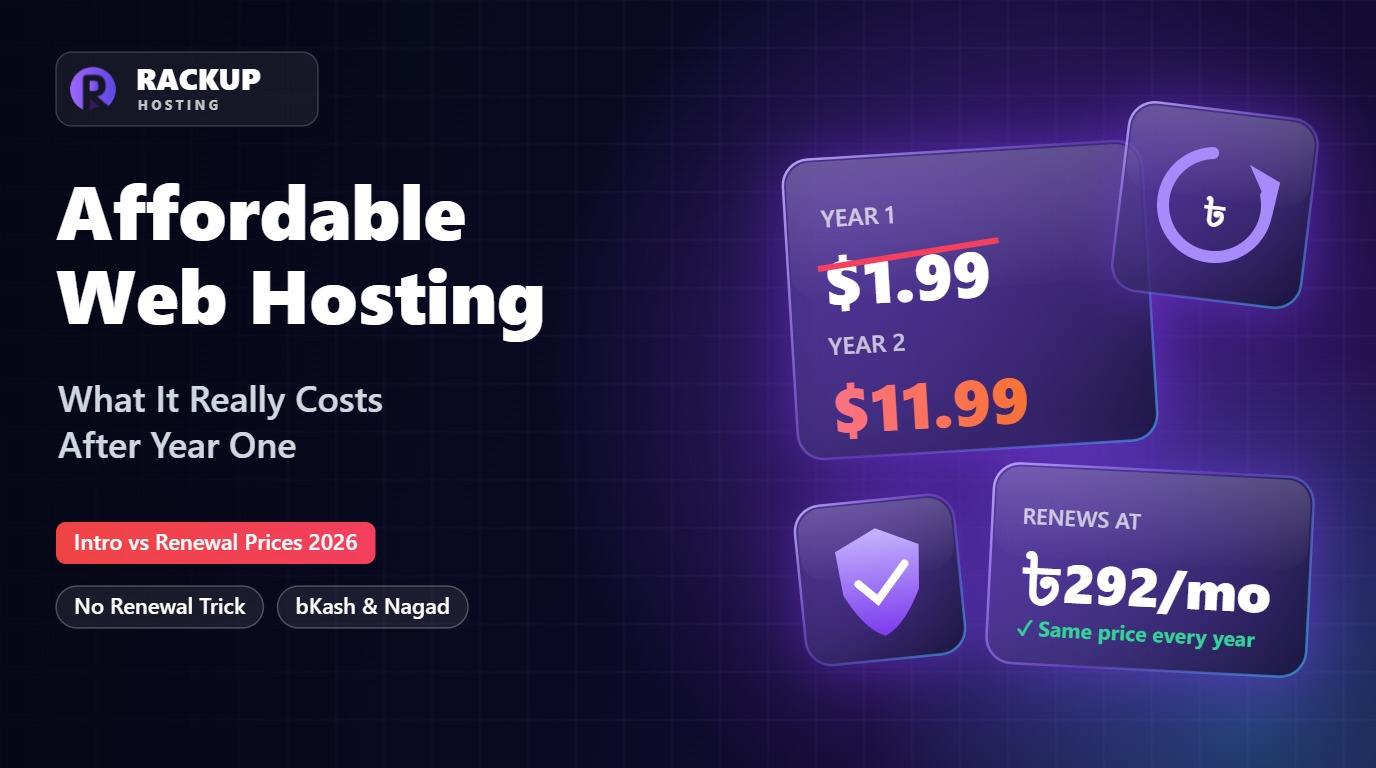
Not necessarily. RackUp Managed WordPress VPS starts at ৳292/month (about $2.40), or ৳3,500 a year, and renews at the same price.