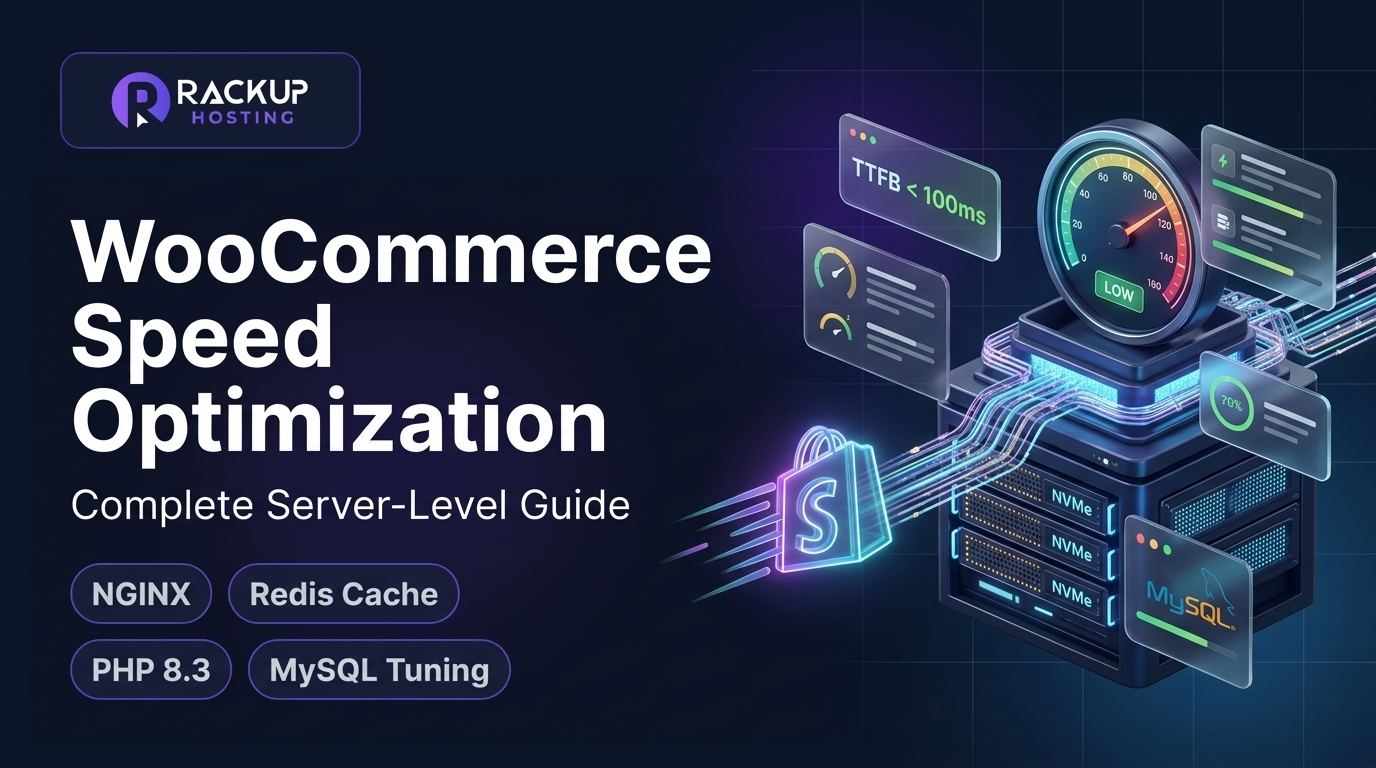
WooCommerce Speed Optimization: The Complete Server-Level Guide
In modern e-commerce, speed is not merely a technical luxury—it is direct revenue. When online shoppers browse your product catalog, every hesitation in page rendering introduces friction. When they click "Add to Cart" or attempt to process payment, server delays trigger panic, cart abandonment, and lost lifetime customer value.
Slow stores lose sales: research on online shopping, including Google’s work on mobile pages, links slower pages to more abandoned visits and fewer completed checkouts. Yet many store owners try to fix WooCommerce sluggishness by installing more plugins: image minifiers, asset combiners and generic page-caching tools.
While frontend optimization helps static blogs, woocommerce speed optimization requires an entirely different technical discipline: server-level infrastructure tuning. In this comprehensive guide, we dissect the database queries, PHP worker threads, and memory caches required to turn a slow, stalling WooCommerce shop into a fast, reliable shop.
On a standard WordPress blog or company brochure site, caching plugins (like WP Rocket, W3 Total Cache, or LiteSpeed Cache) work wonders because pages are completely static. When a visitor lands on an article, the server serves a pre-compiled HTML file straight from disk or RAM, bypassing the PHP interpreter and MySQL database entirely.
WooCommerce storefronts, however, are inherently dynamic and personalized:
Every user has a unique cart session.
Product inventory counts change continuously.
Cart widgets, checkout forms, and user dashboards must update in real time.
[Incoming User Request]
  ├── Static Blog Page ──────> Served Instantly from NGINX HTML Cache (0% CPU / 10ms)
  │
  └── WooCommerce Cart/Add ──> BYPASSES CACHE!
                                 ├── Wakes up PHP-FPM Interpreter
                                 ├── Executes 40 - 120 SQL Database Queries
                                 └── Sinks Server CPU into Disk I/O Read/Write!
To maintain transactional integrity, WooCommerce automatically forces caching plugins to bypass the /cart/, /checkout/, and /my-account/ endpoints. Furthermore, when WooCommerce sets its customer session cookies (woocommerce_cart_hash and woocommerce_items_in_cart), many rudimentary caching setups stop caching product pages altogether!
As a result, your server must process 100% of e-commerce traffic through raw PHP and database queries. If your underlying hosting stack is weak, your store will buckle under modest sales volume.
The 4 Infrastructure Bottlenecks Killing Your E-Commerce Speed
When diagnosing WooCommerce latency, our engineering team regularly encounters four critical server-level bottlenecks:
1. PHP Worker Starvation During Product Drops
A PHP worker is a dedicated operating system process designed to execute PHP code. On entry-level shared hosting, accounts are strictly limited to 2 to 4 shared PHP workers.
When an un-cached WooCommerce page takes 800ms to generate:
4 concurrent users clicking "Add to Cart" will saturate all 4 PHP workers for nearly a full second.
The 5th, 6th, and 7th shoppers are placed into a connection queue.
If queue timeouts exceed 5 seconds, customers receive an infuriating 504 Gateway Timeout screen right at the checkout gate.
This worker starvation is identical to the performance issues we observed when analyzing independent bookstores in Edinburgh running WooCommerce on shared servers.
2. The Crippling wp_options Autoload Database Bloat
Whenever WordPress initializes a page, it executes a fundamental query: SELECT option_name, option_value FROM wp_options WHERE autoload = 'yes'.
In a healthy WordPress site, autoloaded data totals between 300 KB and 800 KB. In neglected WooCommerce stores, plugins for tracking, abandoned carts, and marketing popups write megabytes of temporary transient data directly to wp_options. We frequently see bloated stores autoloading 15 MB to 30 MB of un-indexed data on every single click, forcing the database engine into severe CPU throttling.
By default, WooCommerce uses a script called cart-fragments.js to update the mini-cart icon in your header. Every time a visitor views ANY page on your site, this script fires an asynchronous AJAX request: POST /?wc-ajax=get_refreshed_fragments.
Because this request bypasses all server cache, a visitor browsing 10 blog posts generates 10 heavy dynamic PHP requests just to check if an empty cart icon needs updating. Disabling this script on non-shop pages noticeably reduces that load.
4. Disk I/O Bottlenecks on Legacy Storage Drives
WooCommerce writes customer session logs, order records, and transient caches constantly. Legacy shared hosts utilize mechanical hard drives or SATA SSDs with low IOPS (Input/Output Operations Per Second). When concurrent shoppers hit the database, disk read/write queues become saturated, turning snappy queries into sluggish multi-second bottlenecks.
Architecting High-Speed WooCommerce Infrastructure
To keep pages fast across thousands of product SKUs, your infrastructure must be designed for dynamic database concurrency.
[Host Server: RackUp IT NVMe Cloud VPS]
  │
  ├── [NGINX Reverse Proxy] ────(FastCGI Microcache for Catalog & Category Pages)
  │
  ├── [Dedicated PHP 8.3-FPM Pool] ──(Dynamic worker scaling: Up to 10-20 workers)
  │
  ├── [Redis In-Memory Object Cache] ──(Caches repetitive SQL queries in RAM: 0.2ms!)
  │
  ├── [MariaDB Database Engine] ──(InnoDB Buffer Pool loaded directly in RAM)
  │
  └── [High-Performance Order Storage (HPOS)] ──(Dedicated order tables, no wp_postmeta bloat)
In-Memory Persistence with Redis Object Caching
Instead of forcing MariaDB to query the disk for every product attribute, category taxonomy, and site setting, Redis Object Caching stores database query results directly in volatile system RAM. When WordPress requests product data, Redis answers from memory far faster than a database query, and cuts the number of queries each page needs.
Configuring Dynamic PHP-FPM Worker Pools
On a VPS, or on isolated hosting with reserved RAM, you can run more PHP workers without running out of memory or slowing other processes down. How many you can run depends on your RAM and how heavy each request is.
Database Tuning: MariaDB InnoDB Buffer Allocation
By configuring the MySQL parameter innodb_buffer_pool_size to consume 50% to 70% of available server RAM, your active data and indexes stay in memory, so most reads come from RAM instead of disk.
Historically, WooCommerce stored every customer order as a standard WordPress post inside wp_posts, spreading order data across dozens of entries in wp_postmeta. For high-volume stores, wp_postmeta easily bloats to tens of millions of rows, crippling checkout queries.
WooCommerce's modern High-Performance Order Storage (HPOS) creates dedicated, indexed database tables (wp_wc_orders, wp_wc_order_addresses, wp_wc_order_operational_data). Moving to HPOS makes order lookups and checkout processing more efficient than the old post-meta storage.
Step-by-Step Server Optimization Guide for WooCommerce
Follow this implementation protocol to unleash maximum performance from your WooCommerce storefront:
Step 1: Install and Bind Redis with WordPress Object Cache
Enable Redis caching on your Linux VPS host and configure the PHP Redis extension:
# Install Redis server and PHP Redis module on Ubuntu/Debian
sudo apt update && sudo apt install redis-server php-redis -y

# Configure Redis to use memory eviction policy
sudo nano /etc/redis/redis.conf
# Set: maxmemory 256mb
# Set: maxmemory-policy allkeys-lru

# Restart Redis service
sudo systemctl restart redis-server
In your wp-config.php, inject the Redis connection salt:
define('WP_CACHE_KEY_SALT', 'myshop_');
define('WP_REDIS_HOST', '127.0.0.1');
define('WP_REDIS_PORT', 6379);
define('WP_REDIS_TIMEOUT', 1);
define('WP_REDIS_READ_TIMEOUT', 1);
Step 2: Disable Unnecessary Cart Fragment AJAX Calls
Stop the cart fragments script from executing on non-e-commerce pages by adding this targeted filter to your child theme's functions.php:
add_action('wp_enqueue_scripts', function() {
    if (function_exists('is_woocommerce') && !is_woocommerce() && !is_cart() && !is_checkout()) {
        wp_dequeue_script('wc-cart-fragments');
    }
}, 99);
Step 3: Prune Expired Transients and Autoloaded Options
Run WP-CLI commands over SSH to clean out orphaned database bloat:
# Delete all expired transients in one operation
wp transient delete --expired

# Inspect total size of autoloaded options (target: under 800 KB)
wp db query "SELECT SUM(LENGTH(option_value)) / 1024 AS autoload_kb FROM wp_options WHERE autoload = 'yes';"
Step 4: Enable NGINX Microcaching for Product Catalogs
While cart and checkout pages cannot be cached, product archives and category pages can be safely cached using a 5-second to 60-second microcache. This ensures that during a viral social campaign or promotional drop, most product page requests are served from the cache without hitting PHP or MySQL:
# NGINX microcache condition for WooCommerce
set $skip_cache 0;

if ($http_cookie ~* "woocommerce_items_in_cart|wp_woocommerce_session_") {
    set $skip_cache 1;
}

location /shop/ {
    fastcgi_cache WORDPRESS;
    fastcgi_cache_valid 200 60s;
    fastcgi_cache_bypass $skip_cache;
    fastcgi_no_cache $skip_cache;
    fastcgi_pass unix:/var/run/php/php8.3-fpm.sock;
    include fastcgi_params;
}
For advanced retail shops, combining these tweaks with localized edge routing delivers phenomenal results, as detailed in our ultimate guide to WooCommerce speed optimization for London boutiques.
Part of the stack | Typical shared hosting | Well-tuned WooCommerce server |
|---|
PHP workers | A few, shared with other accounts | Enough for your busiest periods, with RAM reserved to run them |
Object cache | None | Redis or Memcached |
Storage | Hard drives or SATA SSD | NVMe |
Product and category pages | Uncached | A short server-level page cache |
Order storage | Legacy post tables | High-Performance Order Storage (HPOS) |
Database | Older MySQL versions | MySQL 8.0+ or MariaDB 10.6+ with a sized buffer pool |
For a busy store, our Enterprise WordPress VPS gives you a full server (4 vCPU, 4 GB RAM) to tune as described above. Cloud WordPress hosting, from $2.49 a month, suits smaller sites.
Frequently Asked Questions
Why is my WooCommerce checkout page loading so slowly?
Checkout pages cannot be cached by traditional caching plugins because they process unique customer sessions, calculate dynamic shipping rates, and communicate with payment gateway APIs. Sluggish checkout loading is caused by database query latency, low PHP memory limits, or an insufficient PHP worker pool on your server.
Does Redis object caching really speed up WooCommerce?
Yes. Redis stores repeated database queries directly in your server's RAM. Rather than running dozens of SQL queries to fetch product variations, inventory counts, and customer metadata from disk on every page load, Redis returns cached results from memory, which can noticeably reduce TTFB on uncached pages.
How many PHP workers do I need for a WooCommerce store?
For small stores doing fewer than 50 orders a day, 4 to 6 dedicated PHP workers are sufficient. For stores processing high-volume traffic, seasonal sales, or flash drops, you should have at least 10 to 15 dedicated PHP workers to prevent checkout queues and 504 gateway timeouts.
What is High-Performance Order Storage (HPOS) in WooCommerce?
HPOS is an upgraded database architecture in WooCommerce that moves order data out of the generic wp_posts and wp_postmeta tables into dedicated, custom SQL tables. This drastically reduces query execution times and prevents database table locking during high checkout concurrency.
Will image optimization plugins solve my WooCommerce speed problems?
Image optimization only reduces page weight on the frontend; it does nothing to resolve server-side database bottlenecks or PHP execution latency. For a high-converting store, you must address server infrastructure alongside frontend optimizations. See how regional shops optimize their systems in our guide to the best local web hosting for independent retailers in Leeds.
Accelerate Your Store Sales with RackUp IT
At RackUp IT, every site runs in its own container with reserved CPU and RAM on NVMe storage, and our VPS plans give busy stores a full server with root access to tune Redis, PHP workers and the database.
Don't let a slow server sabotage your revenue. Upgrade to an infrastructure foundation engineered for speed, keep your checkout flow frictionless, and convert casual visitors into loyal repeat customers.