SiteGround Alternatives (2026): Managed WordPress Hosting Without the Renewal Jump

Key Takeaways
- ✓SiteGround StartUp is $3.99 a month for the first prepaid year, then $17.99.
- ✓SiteGround includes email and a CDN; many cheaper hosts don't.
- ✓Kinsta and WP Engine are premium options, not cheaper ones.
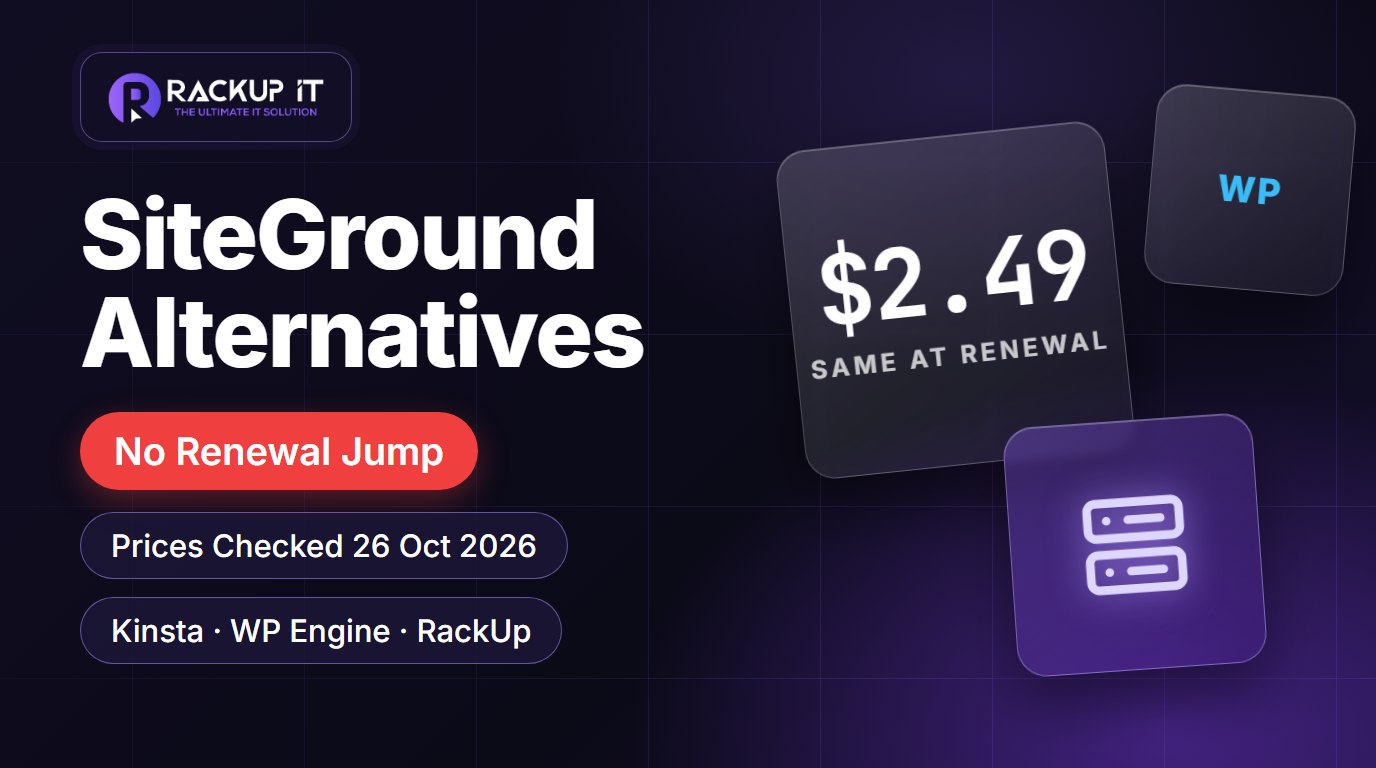
- ✓RackUp Cloud WordPress is $2.49 a month for one site, the same at renewal.
Table of Contents
- •SiteGround Alternatives (2026): Managed WordPress Hosting Without the Renewal Jump
- •SiteGround’s WordPress Prices in 2026
- •Why People Leave SiteGround
- •SiteGround Alternatives Compared
- •Kinsta and WP Engine: Premium Managed WordPress
- •RackUp Cloud WordPress: Same Price Every Year
- •How to Choose
- •How to Move From SiteGround
- •Frequently Asked Questions
- •Move Your WordPress Site for Free
SiteGround Alternatives (2026): Managed WordPress Hosting Without the Renewal Jump
SiteGround is a well-run host with good support, so most people looking for a SiteGround alternative aren’t unhappy with the service. They’re reacting to the renewal invoice. The introductory price covers the first prepaid term; after that the plan renews at the regular rate, which is more than four times higher on the entry plan. This guide shows SiteGround’s current prices, what you get for them, and the alternatives worth comparing, with every price checked on the vendor’s own site on 26 October 2026.
Short answer: if you need email, a CDN and several sites on one plan, SiteGround’s GrowBig is still fair value at the intro price. If you run one WordPress site and want a price that doesn’t change at renewal, a container-based managed WordPress host is the cheaper long-term option.
SiteGround’s WordPress Prices in 2026
| Plan | First term | Renews at | Websites | Storage |
|---|---|---|---|---|
| StartUp | $3.99/mo | $17.99/mo | 1 | 10 GB |
| GrowBig | $6.69/mo | $29.99/mo | Unlimited | 50 GB |
| GoGeek | $10.69/mo | $44.99/mo | Unlimited | 100 GB |
Source: SiteGround’s WordPress hosting page, checked 26 October 2026. Prices exclude VAT and are prepaid for 12 months; SiteGround shows region-specific pages, so your local price may differ slightly.
All three plans include free SSL, a CDN, backups, free email, free site migrations, WP-CLI and SSH. That’s a lot of value in year one. The question is year two: on StartUp, the same site goes from about $48 for the first year to about $216 a year at renewal.
Why People Leave SiteGround
Renewal price: the most common reason, as shown above.
Prepaid terms: the advertised intro price requires paying 12 months upfront.
Storage limits: 10 GB on StartUp fills up with media and backups.
Wanting more control or a different stack: developers who want root access or to run non-PHP apps alongside WordPress.
SiteGround Alternatives Compared
| Host | Entry price | At renewal | Sites | Notes |
|---|---|---|---|---|
| SiteGround StartUp | $3.99/mo (12 months prepaid) | $17.99/mo | 1 | Email, CDN and migrations included |
| Kinsta | $35/mo, or $30/mo billed annually | Same plan price | 1 | Premium managed WordPress on Google Cloud |
| WP Engine Essential | $28/mo billed annually | Check at renewal | 1 | Premium managed WordPress, 25,000 visits/mo |
| RackUp Cloud WordPress | $2.49/mo | $2.49/mo | 1 | Isolated container, 1 GB RAM, 2 vCPU, 5 GB NVMe |
| RackUp Enterprise WP VPS | $25/mo | $25/mo | See plan | 4 vCPU, 4 GB RAM, 40 GB NVMe, free business email |
Kinsta and WP Engine prices from kinsta.com/pricing and wpengine.com/plans, checked 26 October 2026. For a closer look at the premium hosts, see our Cloudways, WP Engine and Kinsta comparison.
Kinsta and WP Engine: Premium Managed WordPress
Both are excellent and both cost more than SiteGround’s renewal price. They make sense for business sites that want premium support, staging, and performance tooling, and can justify $28–$35 a month or more per site. If you’re leaving SiteGround because of price, they won’t save you money; if you’re leaving for more performance and support, they’re worth a look.
RackUp Cloud WordPress: Same Price Every Year
RackUp runs each WordPress site in its own container with reserved CPU and RAM, rather than on a shared server. What you get on Cloud WordPress for $2.49 a month:
2 vCPU, 1 GB of dedicated RAM and 5 GB of NVMe storage for one site.
Automated daily offsite backups with one-click rollback.
1-click staging with push/pull sync.
Free SSL and PHP 8.2 to 8.5 from the dashboard.
Free migration of your WordPress site by our team.
The same price at renewal, and a 30-day money-back guarantee.
An MCP connection on every plan, so you can manage the site with your own AI assistant.
To be fair about the differences: Cloud WordPress hosts one site per plan, doesn’t include email hosting, and doesn’t include a CDN. If you need business email, Enterprise WordPress VPS ($25 a month) includes it; otherwise use a separate email provider, and put Cloudflare’s free plan in front of the site if you want a CDN.
How to Choose
Several small sites plus email on one bill: SiteGround GrowBig, especially in the first year.
One site, lowest long-term cost, no renewal surprise: RackUp Cloud WordPress.
A busy site or store that needs more resources: Enterprise WP VPS or a premium host like Kinsta.
Premium support and tooling, budget isn’t the issue: Kinsta or WP Engine.
How to Move From SiteGround
Make a full backup in SiteGround’s Site Tools (files and database).
Set up the new hosting and copy the site (or ask the new host to migrate it).
If you use SiteGround email, set up a new email provider and copy the mailboxes before changing DNS.
Test the site on the new host using a temporary URL or your hosts file.
Point your domain’s DNS to the new host, wait for it to propagate, then cancel SiteGround.
Our WordPress migration checklist has every step in detail.
Frequently Asked Questions
Why is SiteGround so expensive at renewal?
The advertised price is an introductory discount for the first prepaid term. StartUp renews at $17.99 a month and GrowBig at $29.99 a month (excluding VAT, checked 26 October 2026).
What is a cheaper alternative to SiteGround for WordPress?
For a single WordPress site, container-based managed hosting such as RackUp Cloud WordPress costs $2.49 a month with the same price at renewal. It hosts one site per plan and doesn’t include email.
Is Kinsta better than SiteGround?
Kinsta is a premium managed WordPress host and costs more ($35 a month, or $30 billed annually, for its entry plan). It suits sites that need premium support and performance tools more than a low price.
Does moving from SiteGround cause downtime?
Not if you copy the site first, test it on the new host, and switch DNS last. Email needs the most planning if you used SiteGround’s mailboxes.
Can I get my money back if I leave SiteGround early?
Check SiteGround’s current refund terms in your account. On RackUp, there’s a 30-day money-back guarantee.
Move Your WordPress Site for Free
Switch to RackUp Cloud WordPress for $2.49 a month, the same price at renewal, and our team will migrate your site for free. See plans.
Unsure Which Cloud Hosting Plan Fits Your Site?
Answer 4 quick diagnostic questions to estimate the server CPU, RAM and storage you need with transparent pricing.
Cloud Infrastructure Engineer.
Related Posts
 WordPress Hosting
WordPress White Screen of Death: Causes and How to Fix It
A blank white page or "There has been a critical error" in WordPress is a hidden PHP error. Here's how to find it and fix it, even without admin access.
 WordPress Hosting
How to Fix “Error Establishing a Database Connection” in WordPress
A step-by-step fix for WordPress's "Error establishing a database connection": credentials, DB_HOST, a stopped MySQL server, corrupted tables and overloaded databases.
 WordPress Hosting
How to Install an SSL Certificate on WordPress (and Fix Mixed Content)
How to move a WordPress site to HTTPS: get a free certificate, update the site URLs, fix mixed content, force HTTPS at the server, and avoid the common redirect loop.